How can I contact the seller?
Frequently asked questions about buying on WhoppahUpdated Sep 1, 20261 min read
If you have placed an order, a chat with the seller is automatically created. You can access this chat via this link: https://www.whoppah.com/en/chat.
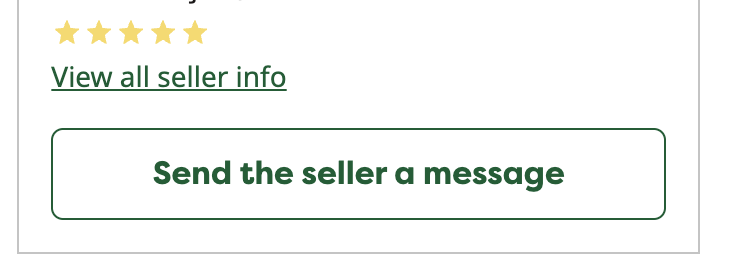
Have you found a gem and have questions about it? You can directly contact the seller of the item. To do this, click on the button "send the seller a message" :
You can find all your chats with sellers in the "Chats" section of your account, by clicking on this icon:

If you have placed an order, a chat with the seller is automatically created. You can access this chat via this link: https://www.whoppah.com/en/chat. Please note that a pink dot on the chat icon indicates that you have a new message.
Related questions
Can I see the item in real life before I buy it?
You can coordinate with the seller to view the item before finalizing the purchase.
What do the different conditions mean?
Good' means the item is in good condition, but shows signs of use. 'Very good' means the item may show signs of use, but these are not noticeable.
How do I know what I buy is as stated?
When you purchase an item through our "Designer" section, it has been carefully curated by our team.
How do I see which country or city the item is located in?
When you click on an item, you'll see the "Delivery Methods" heading to the right of the item. This indicates where the item is located.
Still need help?
Weekdays 09:30 to 17:00