My giftcode or promocode isn't working
Payments and payoutsUpdated Sep 1, 20261 min read
You can redeem your giftcard or promocode before paying for the item.
You can redeem your giftcard or promocode before paying for the item.
1. Add the item to your shopping cart
2. Fill in the delivery address
3. Choose your delivery option
4. Choose buyer protection if you want
5. Click on continue
6. Click on "add a promo code here", enter the promo/giftcode and click on "add promo code"
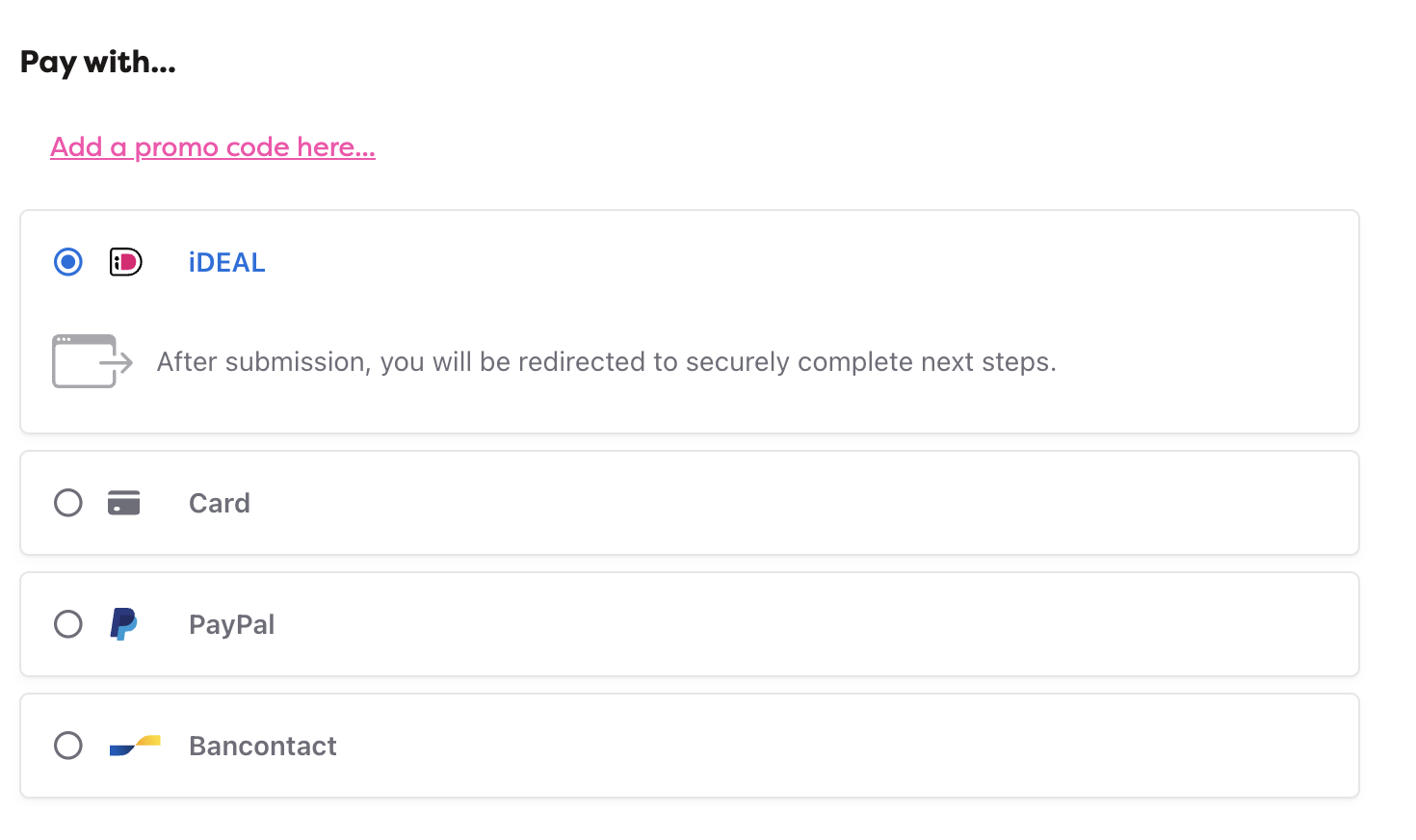 The discount or giftcard value automatically deducts from the total.
In case your promocode or giftcode doesn't work and it's still valid, please reach out to our service department via support@whoppah.com. Please share the code with us in the email so we can immediately help you.
Related questions
I sold an item, when will I get paid?
Once the buyer confirms receipt of the item — or once receipt is automatically approved if they don't respond in time — your payout is initiated.
Stripe: Setting Up Your Seller Profile and Verification
Selling something on Whoppah for the first time? We need a few details from you to set up a Stripe profile on your behalf.
Why does Stripe / Whoppah ask for an ID proof?
Why does Stripe need to collect, verify and retain my identity information?
Why does Whoppah work with Stripe?
Whoppah is a technology company that functions as a marketplace. We are not allowed to channel sales proceeds through our own bank account.
Still need help?
Weekdays 09:30 to 17:00