Why was the price of my listing reduced?
ListingUpdated Sep 2, 20261 min read
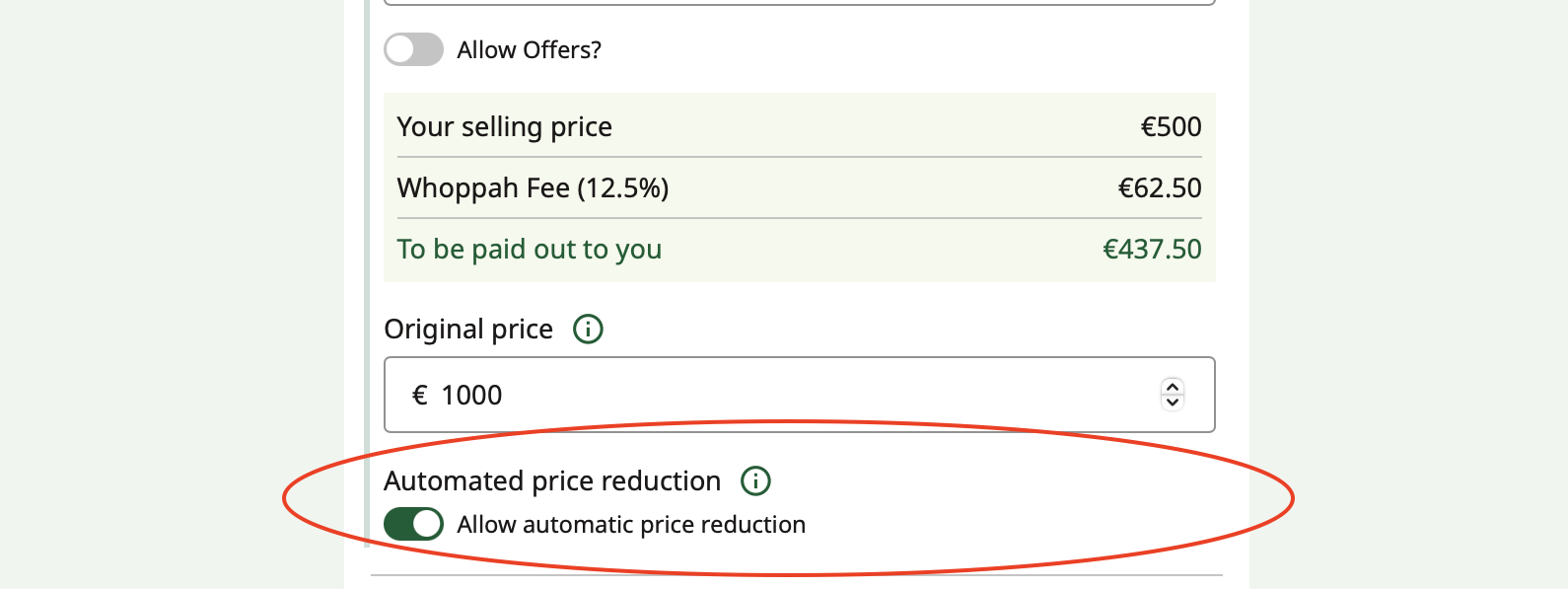
When creating your listing, the automatic price reduction is enabled by default.
When creating your listing, the automatic price reduction is enabled by default. However, you can deactivate this feature when creating the listing or adjust it later.
Here’s a guide on how to edit your listing: How can I adjust my ad?.
If this option is enabled, we will automatically reduce the price of your item by 10% after one month to increase its chances of selling. This is stated both in our information and when creating the listing. A price change does not affect the duration of your listing.
Related questions
How do I create an ad?
You can sell a wide range of interior items on Whoppah, including furniture and decoration from affordable to high-end design pieces.
Should I sell as a set or per item?
On Whoppah, the listed price is usually for a set of items.
How can I adjust my ad?
You can find your ad via "My ads", there click on "Modify" and then "Edit ad" you can then adjust the ad price to your liking.
How can I promote my ad and increase visibility?
For €7.99, we offer the opportunity to boost your ad by placing it again at the top of the product overview, making your items more visible.
Still need help?
Weekdays 09:30 to 17:00